
How to Set Up a Convenient Charging Station for Your Devices
gekekaa.pro >> Charging>>Electronics>> How to Set Up a Convenient Charging Station for Your Devices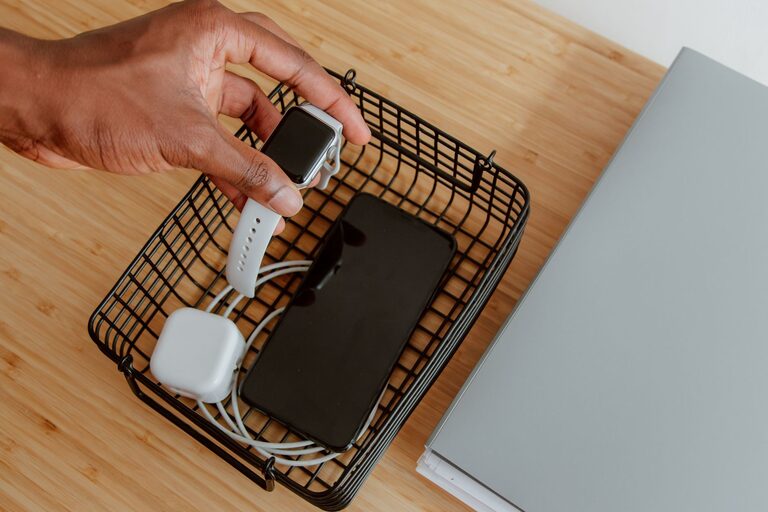
How to Set Up a Convenient Charging Station for Your Devices
Setting up a dedicated charging station for your devices can simplify your daily routine and help keep your space organized. Instead of hunting for chargers or dealing with tangled cords, a well-planned charging station offers a central spot to power up smartphones, tablets, laptops, and more. This guide walks you through everything you need to know to create your own efficient charging station at home or in the office.
Why Create a Charging Station?
With multiple devices in most households, charging can quickly become messy and inefficient. A charging station:
– Keeps all chargers and devices in one place
– Reduces clutter and tangled cords
– Makes it easier to find and charge devices
– Protects devices by providing a stable surface
– Can be customized to fit your space and needs
Choosing the Right Location
Start by picking a spot that is accessible and convenient for everyone who will use the charging station. Popular locations include:
– A central spot in the living room or kitchen
– A desk or work area
– A bedside table or nightstand
– Entryway shelves or small tables
Consider the proximity to power outlets, the surface size, and how visible or concealed you want the station to be.
What You’ll Need
Setting up a charging station is mostly about organizing what you already have and possibly adding a few helpful items. Here’s a list to consider:
– Power strip or multi-port USB charger: Choose one with enough outlets and USB ports to handle all devices.
– Charging docks or stands: These keep devices upright and accessible.
– Cable organizers: Clips, ties, or sleeves help manage cords neatly.
– Storage containers or trays: To hold smaller accessories like earbuds or power banks.
– Labeling materials: Optional, but helpful for identifying cables or charging spots.
Step-by-Step Setup Guide
1. Gather Your Devices and Accessories
Collect all the devices you want to charge in one location along with their charging cables and adapters. Sort them by type (phones, tablets, wearables) to help decide how many charging ports or docks you’ll need.
2. Select a Power Source and Charging Equipment
Use a power strip with surge protection if possible to keep your devices safe. Alternatively, a multi-port USB charger can reduce the number of plugs needed. Make sure the charger supports fast charging if your devices require it.
3. Arrange the Station
Place the power strip or charger on or near your chosen surface. Position device stands or docks where they’re easy to access and leaves enough room to avoid overcrowding.
4. Organize and Label Cables
Use cable clips or ties to keep cords from tangling. You can label cables with small tags or colored tape to easily identify which cord belongs to which device. This helps avoid confusion and accidental unplugging.
5. Add Storage for Accessories
Keep small items like earbuds, adapters, or extra cables in a nearby drawer, container, or tray. This helps maintain a tidy look and keeps everything in reach.
6. Maintain and Adjust
Regularly check your charging station, remove unused cables, and tidy up the area. As your device collection changes, update your setup accordingly.
Tips for Customizing Your Charging Station
– Use a decorative box or basket to conceal chargers and cords.
– Add a small lamp or clock to combine functions.
– Consider wireless charging pads for compatible devices to reduce cable use.
– Use a wall-mounted station to save space on desks or tables.
– Choose colors and materials that match your room’s decor.
Safety Considerations
– Avoid overloading power strips or adapters.
– Keep the station away from water or heat sources.
– Use chargers and cables recommended by your device manufacturer.
– Ensure good ventilation around charging devices to prevent overheating.
Conclusion
Creating a charging station is a simple way to improve the organization and functionality of your space. By centralizing your device charging needs, you save time and reduce clutter. With just a few supplies and some planning, you can set up a charging station that’s efficient, safe, and tailored to your daily routine. Give it a try and enjoy a more streamlined way to power up your devices!